Melbet App for Android & iOS Devices Latest Version for India

The dedicated native Melbet app is currently under development. No APK file is available for download at this time. However, you can access the full-featured Progressive Web App (PWA) version directly from your mobile browser. This version delivers the complete Melbet experience without requiring installation from the Play Store or App Store. New players can claim a generous welcome bonus of 500% up to ₹75,000 when they register and make their first deposit.

500% up to ₹75,000

Melbet mobile app interface showing progressive web app access with 500% welcome bonus offer up to ₹75,000

Melbet App Overview

Melbet offers a comprehensive betting and casino platform optimized for Indian players. The PWA version provides instant access without downloads. Below are the key specifications:

App Size

No installation required (PWA)

Last Update

Automatic real-time updates

Casino Bonus

500% up to ₹75,000

Betting Bonus

500% up to ₹75,000

Supported Languages

English, Hindi, Bengali, Telugu, Tamil, Marathi

Payment Methods

UPI, Paytm, PhonePe, Google Pay, Net Banking

Promo Code

Yes

Currency

INR (₹)

Minimum Deposit

₹300

Withdrawal Time

15 minutes to 24 hours

Melbet App Interface

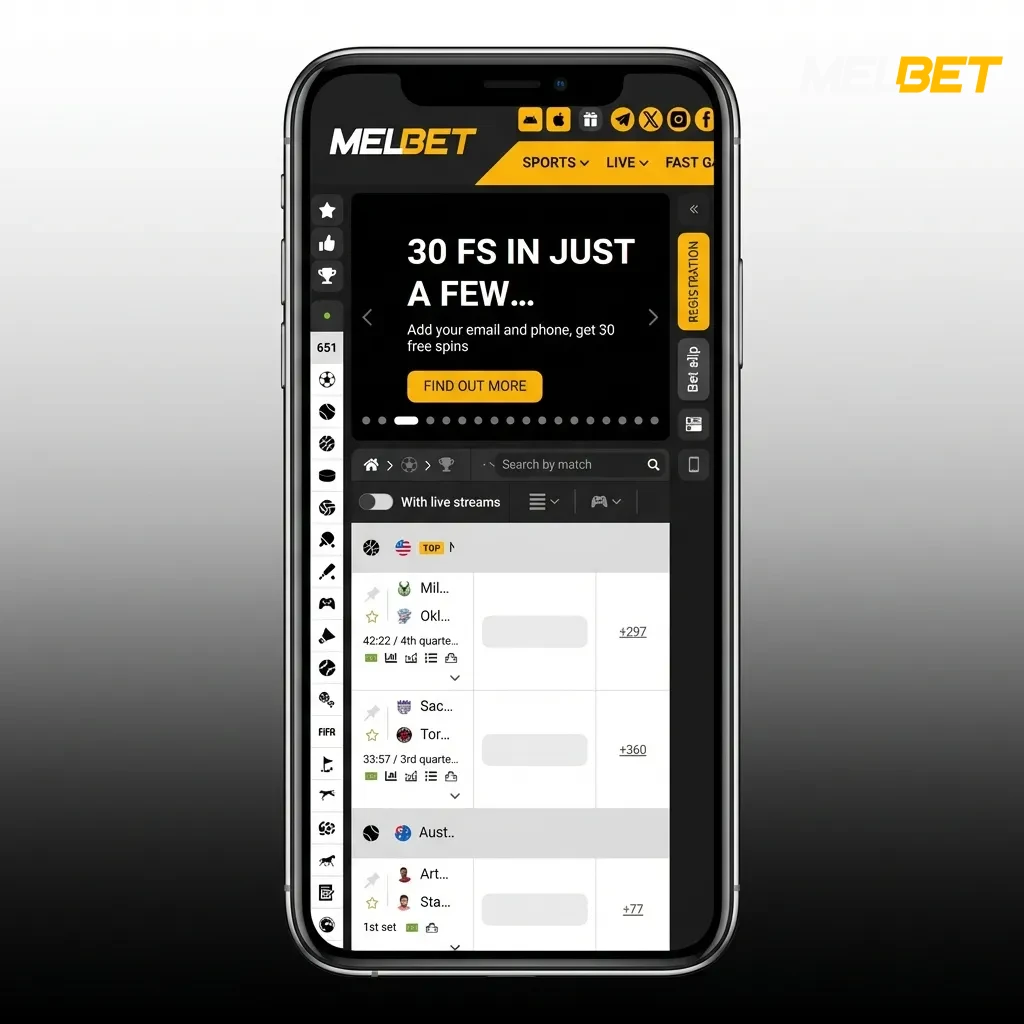
The Melbet interface uses a clean, intuitive design that adapts to your screen size. Navigation tabs are positioned at the bottom for easy thumb access, and the color scheme enhances readability during extended sessions. All betting markets, casino games, and account features load quickly, and the layout prioritizes the most popular sports and games on the home screen.

Melbet app showing clean interface with bottom navigation tabs, quick-loading betting markets and casino games on home screen

Download Melbet App for Android (PWA)

The Melbet PWA works directly in your mobile browser without requiring a separate APK download. Follow these steps to get started:

Step 1

Click the Download for Android Button

Tap the “Download Android App” button at the top of this page. Your mobile browser will open the Melbet homepage automatically. The site detects your device and displays the mobile-optimized version instantly.
Step 2

Register an Account

Tap the registration button on the homepage. Fill in your mobile number, create a password, and select INR as your currency. Enter the promo code if you have one to activate the welcome bonus. Verify your mobile number through the SMS code sent to you.

Step 3

Use the Web Version of the Website

You can now access all features directly from your browser. Bookmark the page or add it to your home screen for quick access. The PWA functions like a native app, remembering your login and providing push notifications when enabled.

Start using!

System Requirements for Using Android App

The Melbet PWA runs on most modern Android devices. Check these minimum specifications:

Requirement Minimum Specification
Android OS Version Android 5.0 (Lollipop) or higher
CPU Frequency 1.2 GHz dual-core processor
RAM 1 GB
Browser Chrome 80+, Firefox 75+, Samsung Internet 10+
Internet Connection 3G or higher (4G recommended)

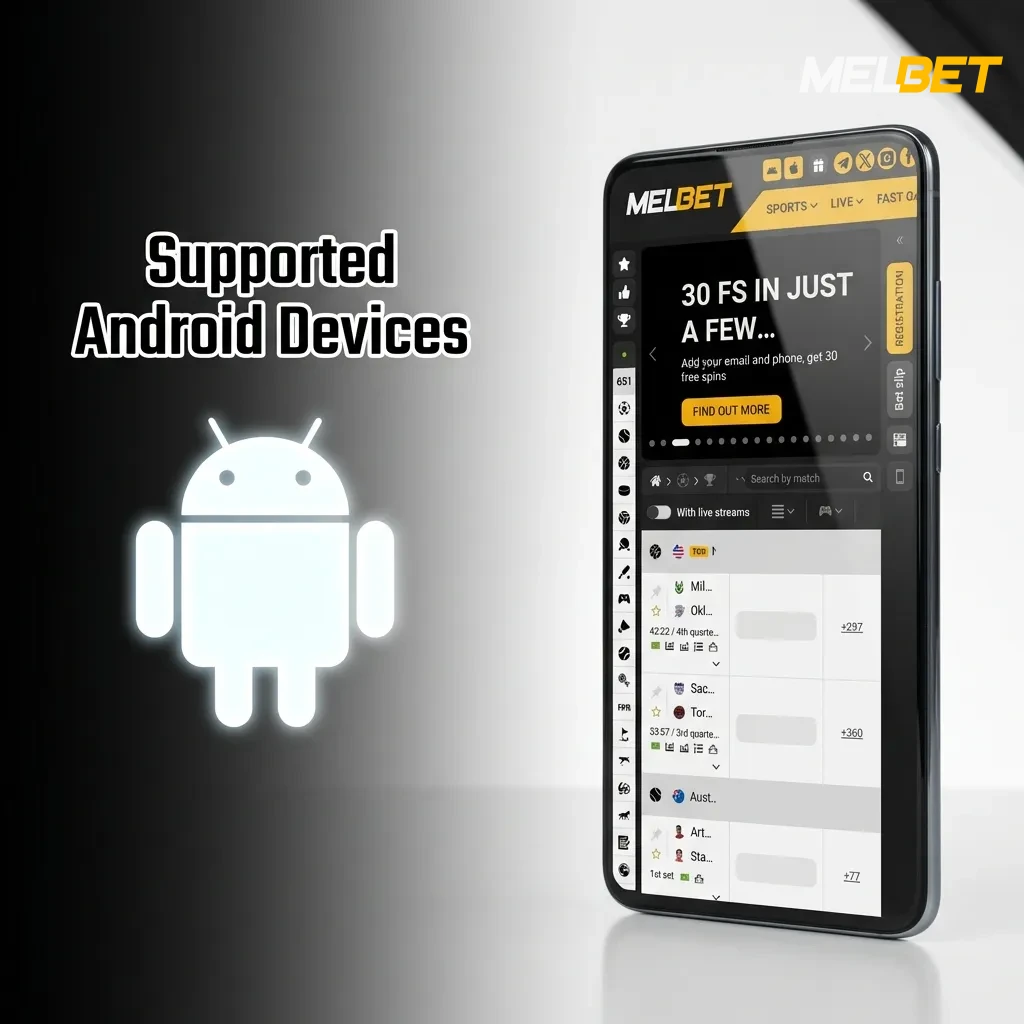
Supported Android Devices

These popular Android models meet or exceed the system requirements:

  • Samsung Galaxy S10, S20, S21, S22
  • Samsung Galaxy A50, A51, A52, A53
  • OnePlus 7, 8, 9, 10
  • Xiaomi Redmi Note 9, 10, 11, 12
  • Realme 7, 8, 9, 10
  • Vivo V20, V21, V23
  • Oppo F19, F21, Reno 6
  • Google Pixel 4, 5, 6, 7
  • Motorola Moto G8, G9, G10
List of compatible Android phone models including Samsung Galaxy, OnePlus, Xiaomi, and Google Pixel devices

Download Melbet App for iOS (PWA)

iOS users can add the Melbet PWA to their home screen for app-like access. Here’s how:

Step 1

Click the Download for iOS Button

Tap the “Download for iOS” button at the top of this page. Safari will open and load the Melbet mobile site. The interface adjusts automatically to your iPhone or iPad screen.

Step 2

Register an Account

Tap the registration button and complete the sign-up form. Enter your mobile number, choose a secure password, and select INR as your preferred currency. Apply your promo code before confirming. Verify your account using the SMS code.

Step 3

Tap Share Button

Look for the Share icon at the bottom of Safari (a square with an arrow pointing up). Tap it to open the sharing menu. Scroll through the options until you find “Add to Home Screen.”

Step 4

Tap Add to Home Screen

Select “Add to Home Screen” from the menu. You can customize the icon name if desired. Tap “Add” in the top-right corner. The Melbet icon now appears on your home screen like any other app, providing instant access.

Start using!

System Requirements for Using iOS App

The Melbet PWA is compatible with most modern iOS devices. Review these minimum requirements:

Requirement Minimum Specification
iOS Version iOS 12.0 or higher
Processor A9 chip or newer
RAM 2 GB
Browser Safari 12+
Internet Connection 3G or higher (4G/5G recommended)

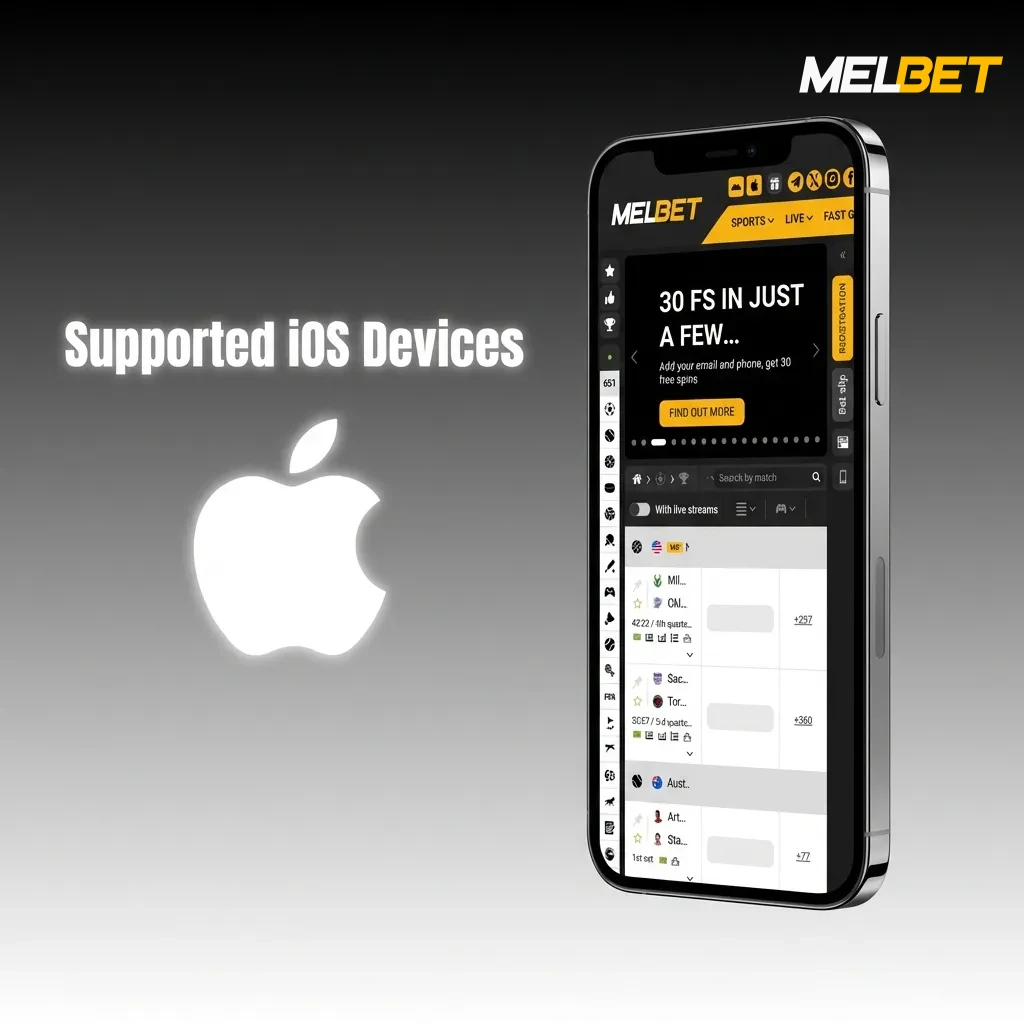
Supported iOS Devices

These Apple devices are fully compatible with the Melbet PWA:

  • iPhone 12, 12 Pro, 12 Pro Max, 12 Mini
  • iPhone 13, 13 Pro, 13 Pro Max, 13 Mini
  • iPhone 14, 14 Pro, 14 Pro Max, 14 Plus
  • iPhone SE (2nd and 3rd generation)
  • iPhone 11, 11 Pro, 11 Pro Max
  • iPad Pro (all models from 2018 onwards)
  • iPad Air (3rd generation and later)
  • iPad Mini (5th generation and later)
List of compatible Apple devices for Melbet PWA including iPhone 11-14 series, iPad Pro, iPad Air, and iPad Mini models

Welcome Bonuses after Installing the Melbet App

New players receive a generous welcome package worth up to ₹75,000. Here’s what you can claim:

  • Sports Welcome Bonus: 500% up to ₹75,000 on your first deposit for sports betting
  • Casino Welcome Bonus: 500% up to ₹75,000 on your first deposit for casino games
  • Free Spins Package: 290 free spins distributed across your first four deposits on selected slot games
  • Wagering Requirements: 5x rollover for sports bonus, 35x rollover for casino bonus
  • Minimum Deposit: ₹300 to activate any welcome offer
  • Validity Period: 30 days from bonus activation to complete wagering requirements

You must choose between the sports or casino welcome bonus during registration. Both bonuses cannot be claimed simultaneously.

Get a bonus
Melbet app welcome bonuses offering up to ₹75,000 for sports betting and casino games with free spins for new players

Sports Betting Options Available in App

Melbet covers over 40 sports with thousands of daily betting markets. The platform focuses on sports popular in India alongside international competitions:

  • Cricket (IPL, T20 World Cup, Test matches, ODIs)
  • Football (Premier League, La Liga, Champions League, ISL)
  • Tennis (Grand Slams, ATP, WTA)
  • Kabaddi (Pro Kabaddi League, international tournaments)
  • Basketball (NBA, EuroLeague)
  • Badminton (BWF tournaments, All England)
  • Table Tennis (ITTF events)
  • Volleyball (international leagues)
  • Horse Racing (Indian and international tracks)
  • eSports (CS:GO, Dota 2, League of Legends)
Melbet app interface showing 40+ sports betting options including cricket, football, tennis, and kabaddi markets

Types of Bets Available at Melbet’s App

Melbet supports multiple betting formats to suit different strategies:

  • Single Bet: A wager on one outcome from a single event, offering straightforward returns based on the odds.
  • Accumulator (Parlay): Combines multiple selections into one bet where all picks must win for the bet to pay out, multiplying the odds for higher potential returns.
  • System Bet: A combination of accumulators where not all selections need to win, calculated across various bet combinations within your chosen selections.
  • Chain Bet: A sequential betting format where winnings from one bet automatically stake the next selection in the chain.
  • Handicap Bet: Levels the playing field by giving one side a virtual advantage or disadvantage, common in cricket and football betting.
Melbet app betting options including single, accumulator, system, chain, and handicap bets displayed on mobile screen

How to Start Betting via Mobile App

Placing your first bet takes just a few taps:

Step 1

Step 1

Log in to your Melbet account through the mobile site

Step 2

Step 2

Navigate to the Sports section and select your preferred sport from the menu

Step 3

Step 3

Choose a match or event, then tap on the odds for your desired outcome to add it to your bet slip

Step 4

Step 4

Enter your stake amount in the bet slip that appears at the bottom of your screen

Step 5

Step 5

Review your potential returns and tap “Place Bet” to confirm your wager

Casino Games Available in App

The Melbet casino library features over 5,000 games from leading providers. You’ll find diverse options across all popular categories:

  • Slot Games: Book of Dead, Starburst, Gonzo’s Quest, Sweet Bonanza, Gates of Olympus
  • Live Casino: Live Blackjack, Live Roulette, Teen Patti, Andar Bahar, Dragon Tiger
  • Table Games: European Roulette, Baccarat, Poker variations
  • Jackpot Slots: Mega Moolah, Divine Fortune, Major Millions
  • Indian Games: Teen Patti, Andar Bahar, Jhandi Munda
  • Game Shows: Crazy Time, Monopoly Live, Deal or No Deal
  • Crash Games: Aviator, JetX, Spaceman
Melbet casino app interface showing diverse gaming categories including slots, live casino, table games, and jackpot options

How to Register an Account via Melbet Mobile App

Creating your account takes less than two minutes:

Step 1

Step 1

Tap the “Registration” button on the Melbet mobile homepage

Step 2

Step 2

Select your preferred registration method (phone number, email, or social media)

Step 3

Step 3

Fill in the required details including your mobile number, password, and select INR as your currency

Step 4

Step 4

Enter a promo code if you have one to activate bonuses

Step 5

Step 5

Verify your mobile number using the SMS code sent to you and complete the registration

How to Login via Mobile App

Accessing your account is straightforward:

Step 1

Step 1

Open the Melbet mobile site in your browser or tap the home screen icon if you’ve added it

Step 2

Step 2

Tap the “Login” button at the top of the homepage

Step 3

Step 3

Enter your registered mobile number or email and your password

Step 4

Step 4

Tap “Sign In” to access your account and start betting or playing

How to Update the Melbet App to the Latest Version

The Melbet PWA updates automatically without requiring any action from you. When you access the mobile site, you always receive the most current version with the latest features, security patches, and improvements. Unlike traditional apps that need manual updates from the Play Store or App Store, the web-based platform refreshes itself each time you visit. This means you never miss new betting markets, casino games, or payment options. The automatic update system also ensures optimal performance and security without consuming additional storage space on your device.

Melbet PWA interface showing automatic update feature with latest betting markets and security improvements on mobile device

Payment Methods for Mobile App Users of Melbet in India

Melbet supports popular Indian payment methods for quick deposits and withdrawals. The minimum deposit is ₹300, and the maximum deposit varies by method but can reach ₹1,00,000 per transaction. Minimum withdrawal is ₹500, and maximum withdrawal limits depend on your verification status and payment method.

  • UPI: Instant deposits and withdrawals using any UPI ID or UPI-enabled app
  • Paytm: Direct transfers from your Paytm wallet for deposits and withdrawals
  • PhonePe: Fast deposits and cash-outs through PhonePe wallet
  • Google Pay (GPay): Seamless transactions using your Google Pay account
  • Net Banking: Direct bank transfers from major Indian banks
  • IMPS: Immediate Payment Service for real-time bank transfers
Melbet India mobile app payment methods including UPI, Paytm, PhonePe, Google Pay, Net Banking, and IMPS options

How to Make a Deposit via Mobile App

Funding your account is quick and secure:

Step 1

Step 1

Log in to your Melbet account and tap on the “Deposit” button in the account menu

Step 2

Step 2

Select your preferred payment method (UPI, Paytm, PhonePe, or Google Pay)

Step 3

Step 3

Enter the deposit amount (minimum ₹300) and follow the instructions for your chosen method

Step 4

Step 4

Confirm the transaction, and your funds will appear in your account within seconds

How to Withdraw your Winnings on Mobile

Cashing out your winnings is straightforward:

Step 1

Step 1

Tap the “Withdraw” option in your account menu on the mobile site

Step 2

Step 2

Choose your preferred withdrawal method from the available options

Step 3

Step 3

Enter the withdrawal amount (minimum ₹500) and provide necessary payment details

Step 4

Step 4

Submit your request, and funds will be processed within 15 minutes to 24 hours depending on the method

Key Features of Melbet Mobile App

Melbet delivers a complete betting and gaming experience optimized for Indian players. Here are the standout features:

  • Local Payment Methods: Full support for UPI, Paytm, PhonePe, and Google Pay for instant transactions
  • INR Currency Support: All deposits, bets, and withdrawals processed in Indian Rupees
  • Generous Welcome Bonus: New players receive up to ₹75,000 in bonus funds plus free spins
  • Extensive Sports Coverage: Over 40 sports including cricket, football, kabaddi, and badminton
  • 5,000+ Casino Games: Slots, live casino, table games, and Indian favorites like Teen Patti and Andar Bahar
  • Live Betting: In-play betting on thousands of events daily with updated odds
  • Fast Withdrawals: Most withdrawal requests processed within 15 minutes
  • 24/7 Customer Support: Round-the-clock assistance in English and Hindi
  • Mobile-Optimized Interface: Responsive design that adapts to all screen sizes
  • No Download Required: PWA technology provides app-like experience without installation
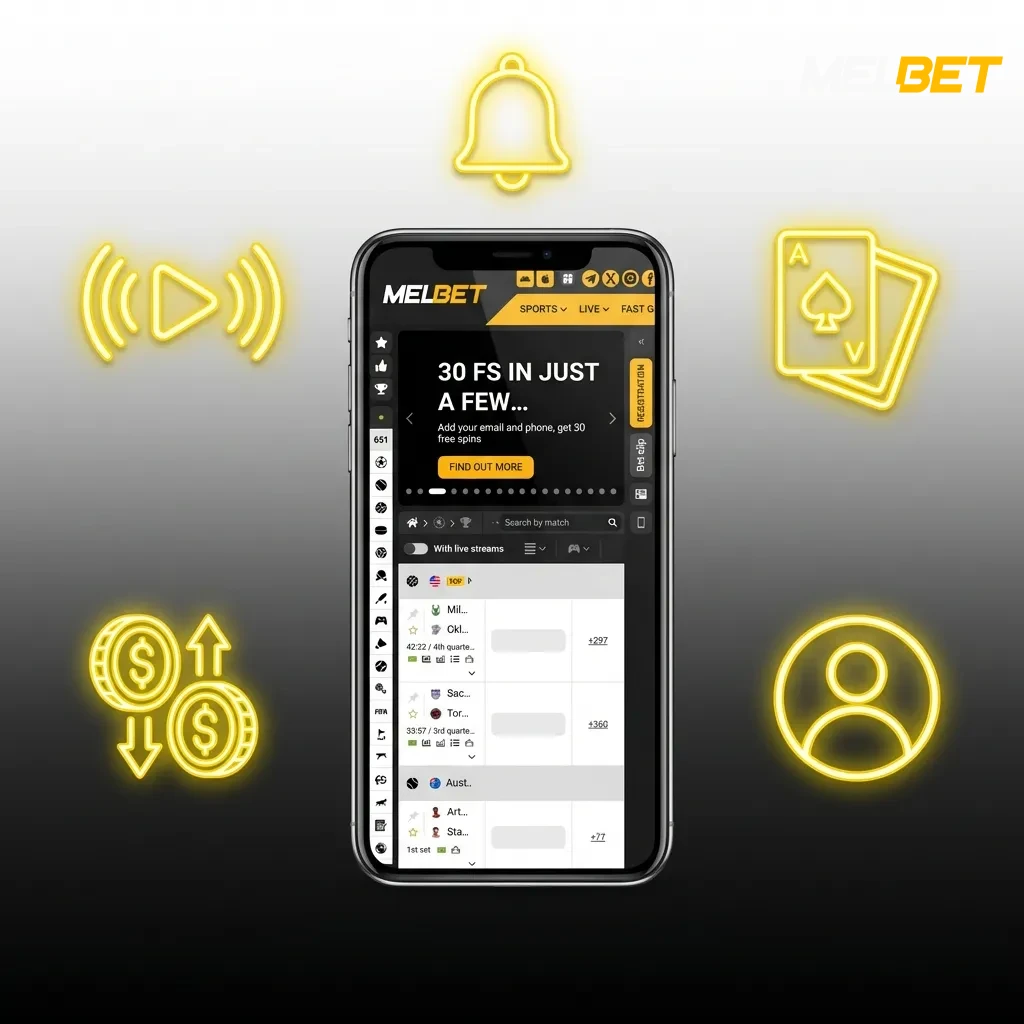
Melbet mobile app interface showing sports betting, casino games, and Indian payment options like UPI and Paytm

Customer Support

Melbet provides multiple channels for player assistance:

Contact Method Availability Response Time
Live Chat 24/7 Instant to 2 minutes
Email 24/7 2-4 hours
Phone Support 24/7 Immediate
Telegram 24/7 5-10 minutes

Support is available in English and Hindi. The live chat feature is the fastest way to resolve urgent issues, and the support team can help with deposits, withdrawals, bonus activation, and technical questions.

Melbet customer support channels showing 24/7 availability via live chat, email, phone, and Telegram with response times

FAQ

How do I recover my password if I forget it?

Tap the “Forgot Password” link on the login page. Enter your registered mobile number or email address. You’ll receive a password reset link via SMS or email. Follow the link to create a new password and regain access to your account.

Can I use multiple accounts on Melbet?

No, Melbet allows only one account per person. Creating multiple accounts violates the terms of service and can result in account suspension and forfeiture of funds. Use your single account across all devices.

Is Melbet legal in India?

Melbet operates under an international gaming license issued by Curacao eGaming. While online betting regulations vary by state in India, offshore platforms like Melbet are accessible to Indian players. You are responsible for ensuring compliance with your local laws.

How long does account verification take?

Account verification usually completes within 24 hours after you submit your documents. Upload a clear photo of your government-issued ID and proof of address. Verified accounts enjoy higher withdrawal limits and faster processing times.

Can I cancel a withdrawal request?

You can cancel a withdrawal request only if it’s still showing a “Pending” status in your account. Once the status changes to “Processing” or “Completed,” cancellation is no longer possible. Contact customer support immediately if you need to cancel a pending withdrawal.

Updated: